Features
Daily summary email
The daily summary is one email at the end of each day with the full summary of the websites you choose: visitors, known and unknown visitors, bots, pages, sources, locations and devices. It is for anyone who wants the numbers without opening TraceFlow.
Where to find it
Settings in the TraceFlow sidebar → Daily summary email.
Before you start
- At least one website in TraceFlow. Sample and archived websites are not offered.
Switch on the daily summary
- Open Settings in the TraceFlow sidebar.
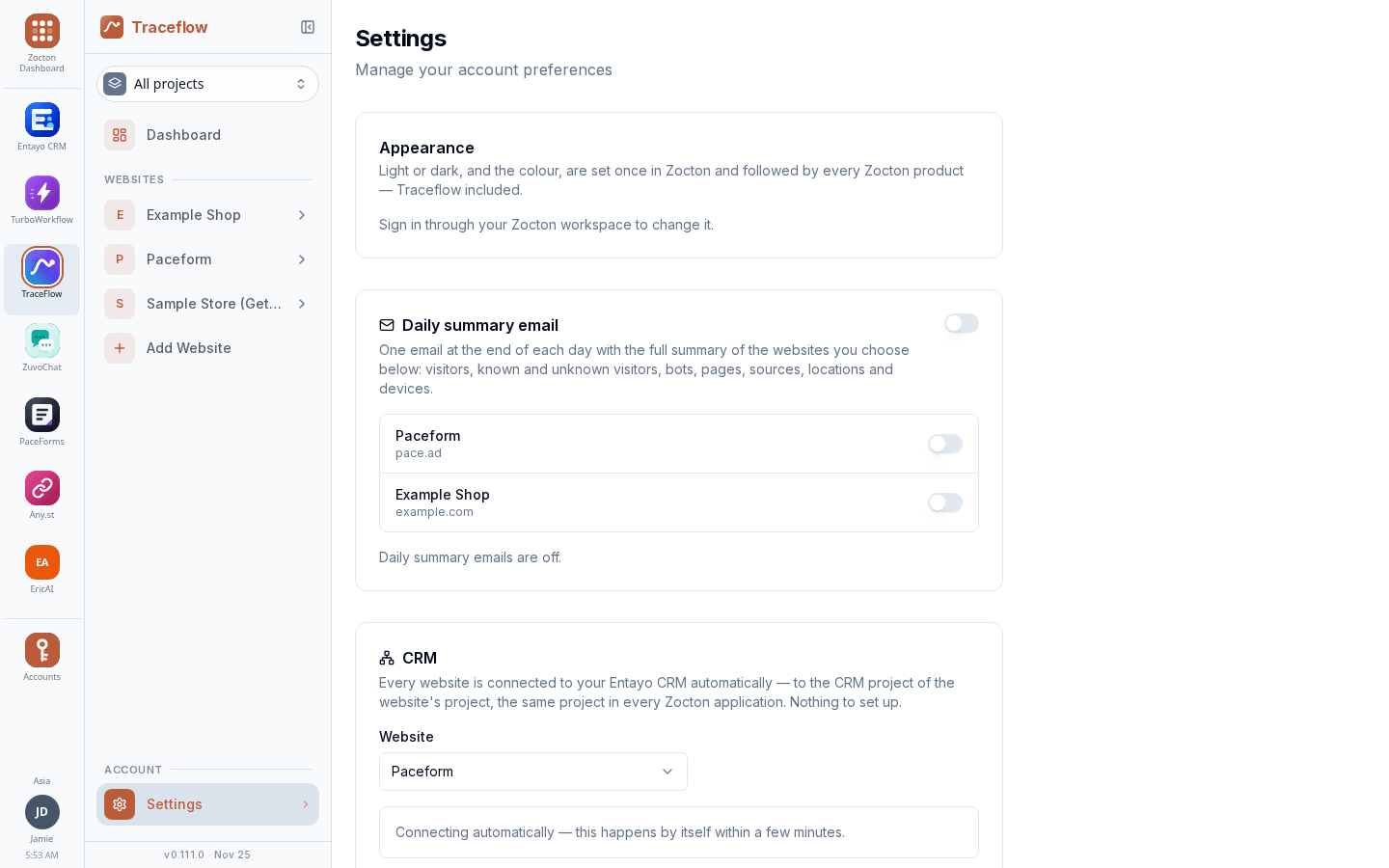
- In Daily summary email, switch the top switch on.
- Switch on each website you want in the email.
- That is all — every change is saved at once. The first email comes after the end of the next full day.
What is in the email
One section per chosen website, for the day that just ended:
| Part | What it shows |
|---|---|
| Visitors | Visitors, known and unknown visitors, bots, new and returning visitors |
| Visits | Sessions, page views, pages per session, average session, bounce rate — each with the change against the day before |
| Top fives | Pages, entry pages, referrers, sources, campaigns, countries, cities, devices, browsers, operating systems and most active visitors |
A website with no visits that day says so in one line. The numbers are the same ones TraceFlow shows for that day.
Options
| Option | What it does |
|---|---|
| Top switch | Turns the email on or off |
| A website's switch | Puts that website in the email, or takes it out |
Good to know
- The email goes only when the top switch is on and at least one website is chosen. The page says "Choose at least one website to get the email" otherwise.
- "The day" is the UTC day. The email goes out shortly after midnight UTC.
- Switching on does not send yesterday's email. Only a day that ends while the switch is on is sent.
- Most active visitors shows visitors' email addresses, as the Visitors list does. Keep that in mind before you forward the email.
- Sent to you. The email goes to the address of your Zocton account.
Related
Last modified on